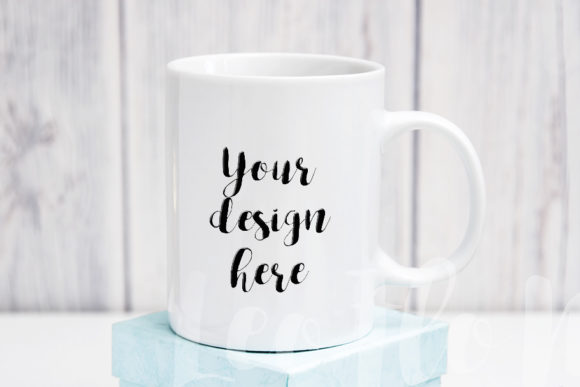
Minimal Sublimation Mug Mockup: A Practical Tool for Stunning Design Showcases
Have you ever spent hours creating a design, only to struggle with presenting it in a realistic setting? Mockups bridge that gap, and the Minimal Sublimation Mug Mockup is a prime example of how a well-crafted scene can elevate your work. This article dives into its features, benefits, and real-world applications, offering insights for anyone looking to streamline their design presentation.
What Is the Minimal Sublimation Mug Mockup?
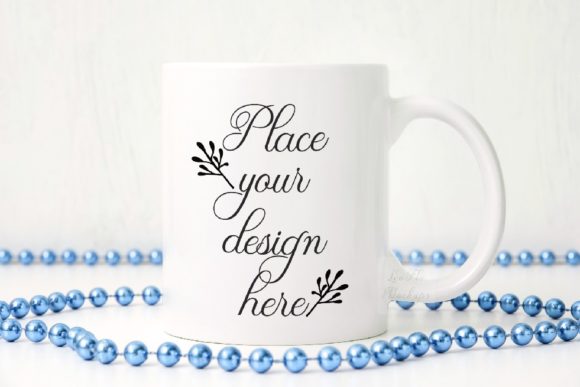
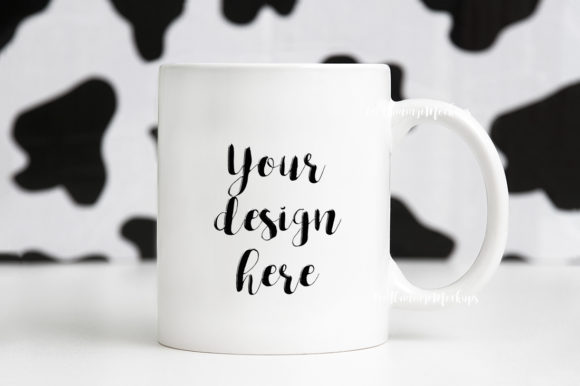
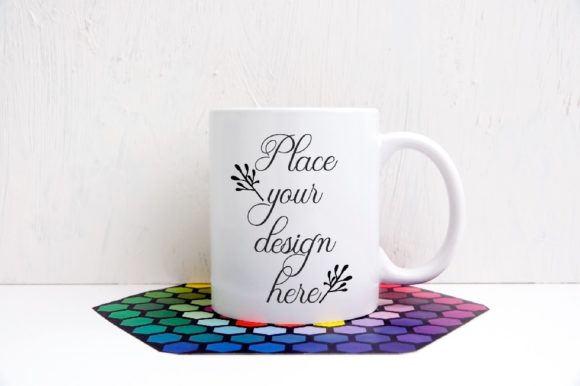
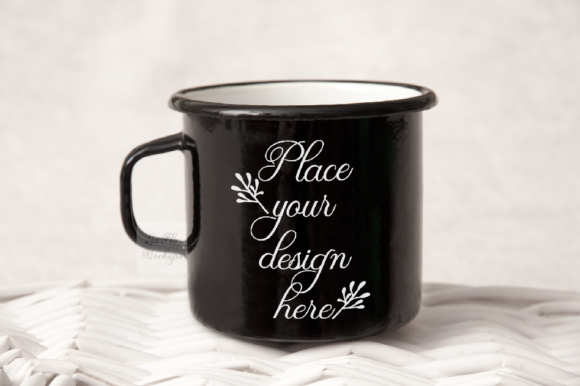
This digital product provides a ready-made image of a mug on a vintage floral background. It is designed for sublimation mockups, meaning you can place your artwork onto the mug seamlessly. The package includes one high-resolution JPG file (300 DPI, 3504 x 2336 pixels) and one PSD file with a smart object layer. The PSD is compatible with Adobe Photoshop CS4 and above, as well as online editors like Pixlr. A comprehensive help file and instructions are included to guide you through the process.
High Resolution and Quality
The 300 DPI resolution ensures that your designs appear sharp, whether used for web display or print reproduction. The image size of 3504 x 2336 pixels provides ample detail for social media posts, blog headers, or e-commerce listings.
Smart Object Layer for Easy Editing
The PSD file contains a smart object layer, which allows you to insert your design with a few clicks. Simply open the smart object, paste your artwork, and save. The update is automatically applied to the mug in the scene. This feature is user-friendly even for those new to Photoshop.
Vintage Floral Background
The soft, minimal floral background adds a feminine touch that complements a wide range of designs. It works particularly well with floral illustrations, typography quotes, and minimalist graphics. The background is fixed, but this consistency helps in maintaining a cohesive look across multiple presentations.
Who Will Find This Mockup Useful?
The Minimal Sublimation Mug Mockup is versatile and caters to various users:
- Digital Artists looking to display their creations in a lifestyle context.
- Online Shop Owners needing product images for their stores.
- Social Media Managers creating consistent and attractive content.
- Print-on-Demand Sellers testing mockup designs before production.
- Photographers who want to incorporate graphic elements into their work.
Real-World Applications and Examples
Consider a scenario where you are launching a collection of quote mugs. Using the mockup, you can insert each quote onto the mug and generate a series of images in minutes. This saves time compared to staging actual photos. For instance, a soft inspirational quote in serif font looks elegant against the floral background, making it perfect for Instagram posts or Pinterest pins.
Another example: A graphic designer is creating branding for a tea shop. They use the mockup to show how the logo appears on a mug, paired with the vintage background that echoes the shop's aesthetic. This visual is then used in the shop's website mockup or presentation deck.
Bloggers can also benefit. If you write about sublimation techniques, the mockup provides a clear after-image of a completed project, helping readers visualize the process.
Strengths
- Time-saving: No need to set up a photo shoot; the scene is ready to use.
- Professional quality: High resolution and realistic lighting enhance your design.
- Easy instructions: The help file guides you through every step.
- Compatibility: Works with standard design software and online tools.
Limitations
- Fixed composition: The mug cannot be moved or resized within the scene. You must work within the provided frame.
- Single layer: Since the mug and background are on the same layer, separating them for individual edits is not possible.
- Specific aesthetic: The vintage floral style may not suit all brands or designs, such as modern or industrial themes.
Understanding these aspects helps you decide if this mockup aligns with your project requirements.
Practical Guidance for First-Time Users
If you are new to using mockups, the Minimal Sublimation Mug Mockup is a great starting point. Here are some tips:
- Read the instruction file first. It contains important notes about layers and editing.
- Prepare your design in a square or vertical orientation to fit the mug area. Ensure it is high resolution to match the mockup's quality.
- Use the smart object in Photoshop. If you don't have Photoshop, Pixlr online editor supports PSD files with smart objects.
- Experiment with blending modes if your design needs to interact with the mug texture. Typically, normal or multiply modes work well.
- Export as JPG for best results. The high-resolution output is ideal for web and print use.
Note: The mug and background are not separate layers, so avoid applying global effects that might misalign the composite.
Evaluating If This Mockup Is Right for You
Before making a purchase, ask yourself:
- Does my design style complement the floral, minimal background? If yes, this mockup will enhance your presentation.
- Do I require flexibility in mug placement? If you need to adjust the mug's position repeatedly, consider a more customizable mockup.
- Am I comfortable with basic Photoshop skills? The smart object process is straightforward, but some familiarity helps.
- Is high resolution important for my use case? For social media, the provided quality is excellent; for large print, it may suffice with careful scaling.
The mockup is particularly effective for projects that emphasize a soft, romantic, or vintage flavor. It is less suitable for modern or tech-oriented designs where a different aesthetic might be needed.
Conclusion: Why the Minimal Sublimation Mug Mockup Stands Out
In a crowded market of mockups, the Minimal Sublimation Mug Mockup offers a distinct combination of ease of use and aesthetic appeal. It simplifies the process of presenting sublimation designs, allowing creators to focus on their artwork rather than technical setups. By understanding its features, strengths, and limitations, you can make an informed decision and leverage this tool to create engaging visuals for your audience.
Remember, this is a digital product for mockup purposes. The physical items are not included, and the files are delivered watermark-free. Whether you are building a brand, sharing on social media, or preparing a portfolio, this mockup can be a valuable addition to your design toolkit.