Coffee Mug Travel Holiday Mockup: Your Complete Guide to Creating Stunning Social Media Displays
If you have ever tried to present a custom mug design online, you know how important it is to show it in a scene that feels real and inviting. A simple flat image of the design on a white background rarely does justice to the warmth and personality of a handcrafted mug. That is where the Coffee Mug Travel Holiday Mockup steps in. This particular mockup is built around a beautiful traveling Europe holiday scene, giving your design an instant sense of place and story. Whether you are a small shop owner, a freelance designer, or someone who loves sharing creative quotes on Instagram, this kind of digital asset can transform how your audience sees your work.
What the Coffee Mug Travel Holiday Mockup Really Offers
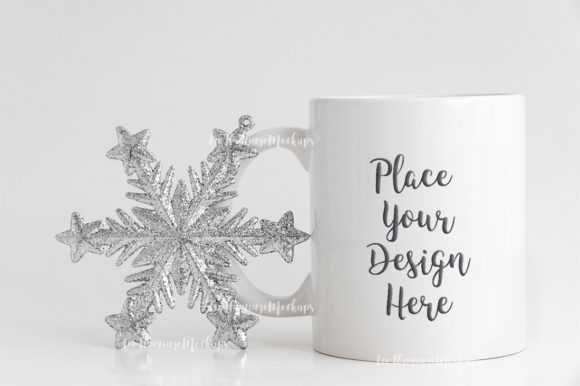
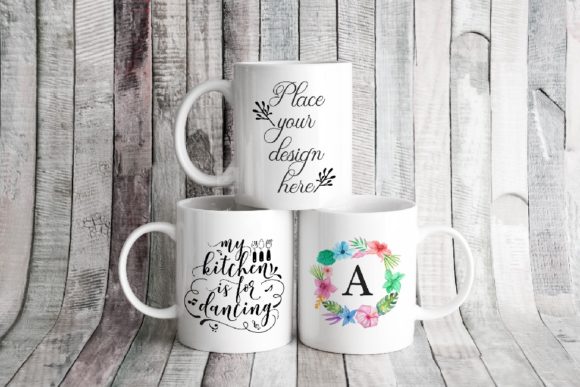
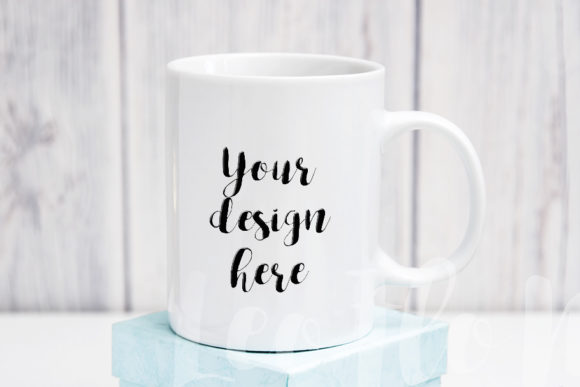
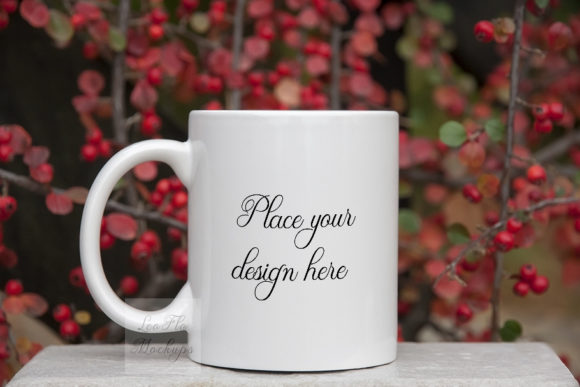
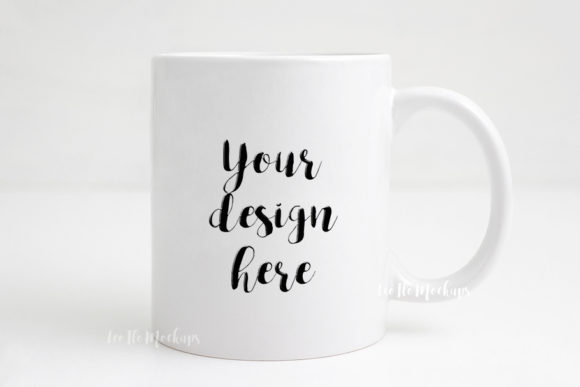
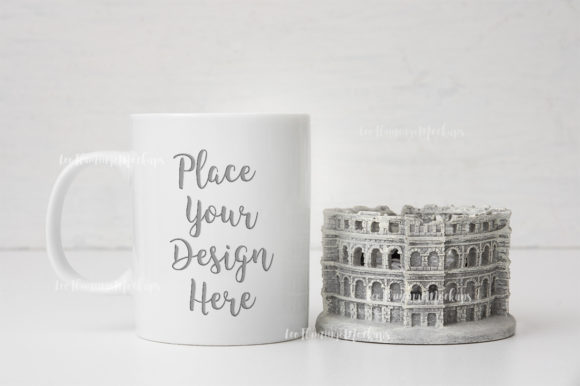
At its core, the Coffee Mug Travel Holiday Mockup is a ready-to-use digital file that lets you place your own artwork or text onto a realistic 11oz sublimation cup. The scene itself is a real photo, so you get authentic lighting, shadows, and textures without needing to stage a photo shoot. The file comes as a high-resolution JPG (3504 x 2336 px at 300 dpi) and as a PSD with one smart object layer. That smart object is the key: you simply paste your design into it, and the mockup does the rest. The background and cup are on the same layer, so you cannot move objects around, but that simplicity is exactly what makes it fast and foolproof.
Because this is a digital product, the downloaded files arrive without any watermark, design, or text. You get a clean slate, ready for your own content. The included help file provides easy instructions, and you are encouraged to read it before opening the PSD, since layers in a PSD are hidden by default. This small step saves you frustration and helps you get started right away.
Why Users Turn to a Travel-Themed Mug Mockup
Many people face a common challenge: they have a great design, but they lack the time, equipment, or skill to photograph it in a compelling setting. Renting a studio, buying props, and editing photos can eat up hours and money. Even if you do take your own photos, getting the lighting right on a glossy ceramic surface is tricky. The result is often a product image that looks flat or unprofessional, which can hurt engagement on social media and sales on your website.
Another challenge is consistency. If you post multiple designs, you want them to feel like part of a cohesive brand. Shooting each one separately can lead to variations in lighting, angle, and background that make your feed look messy. A mockup solves this by giving you a consistent scene every time, so your designs always appear in the same travel-inspired context. This is especially valuable if you are building a theme around European holidays, vintage travel, or cozy café aesthetics.
The need for speed also drives people to mockups. When you are launching a new collection or posting daily on Instagram, you cannot afford to spend hours on product photography. With the Coffee Mug Travel Holiday Mockup, you can create a polished image in minutes, freeing you up to focus on design, marketing, and customer interaction.
How This Mockup Addresses Real User Needs
The Coffee Mug Travel Holiday Mockup is built around a single smart object layer set to multiply. This means your design or text will blend naturally with the mug’s shape, shading, and highlights. You do not need to manually adjust transparency or blending modes. The multiply setting ensures that dark areas of your design stay dark, and lighter areas let the mug’s texture show through, creating a realistic printed look.
For users who are not experienced with Photoshop, the process is straightforward. You open the PSD file, locate the smart object layer (usually labeled clearly), double-click it, paste your design, save, and the mockup updates automatically. If you do not have Photoshop, you can use PIXLR online editor, which is free and works in a browser. This makes the mockup accessible even if you are working on a limited budget or without professional software.
The high resolution of 3504 x 2336 pixels means your final images are crisp enough for both web use and print presentations. Whether you are posting to Instagram, adding images to your Shopify store, or including the mug in a lookbook for a client, you have the quality you need. The RGB color space is standard for digital screens, so what you see on your monitor will match what your audience sees.
Practical Applications for Different Users
One of the strengths of the Coffee Mug Travel Holiday Mockup is its versatility. Different users will find different ways to make it work for their specific goals.
Social Media Content Creators
If you run a lifestyle or travel account on Instagram, this mockup lets you post quote graphics that feel like part of a real scene. Imagine a vintage illustration paired with a line about wanderlust, displayed on a mug that looks like it was photographed in a European café. Your followers will connect with the aesthetic, and you avoid the sterile look of a plain digital graphic. You can also use the mockup to promote seasonal content, such as Valentine’s Day quotes or holiday messages, by swapping the design while keeping the travel theme intact.
Small Business Owners and Etsy Sellers
Selling custom mugs on platforms like Etsy requires product photos that convey quality and personality. A single mockup can serve as your primary product image, saving you from having to produce multiple photos for each variation. You can show the same mug in the same beautiful travel scene, changing only the design. This builds trust with buyers because they see exactly what the finished product will look like. The realistic lighting and background also help your listing stand out among competitors who use flat or generic images.
Graphic Designers and Illustrators
If you create mug art for clients, the Coffee Mug Travel Holiday Mockup is an excellent way to present your concepts. Instead of showing a flat vector on a white screen, you can place it into a context that feels finished and professional. Clients can visualize the final product more easily, which reduces back-and-forth revisions. The mockup also works well for portfolio pieces, especially if your style leans toward vintage, whimsical, or travel-themed illustrations.
Web and Presentation Designers
When you need to display a mug design as part of a larger website or marketing presentation, consistency matters. This mockup gives you a clean, repeatable scene that integrates smoothly with other mockups or lifestyle imagery. You can use it to create a series of product shots for a web slider, or to demonstrate how a mug design would look in a real home or café environment. The high resolution also makes it suitable for video thumbnails, blog headers, or promotional banners.
Getting the Most Out of the Smart Object Layer
The smart object layer in this mockup is set to multiply, which is a common blending mode for creating realistic print effects. However, it is important to understand how your design will interact with this setting. Lighter colors and thin lines may become more transparent, while darker areas will remain vivid. If your design includes light pastels or fine text, consider adding a slight shadow or stroke to ensure legibility. Testing a few variations before finalizing will help you achieve the best result.
The background and cup are on the same layer, so you cannot adjust the position of the mug or change the backdrop independently. This is a deliberate design choice that keeps the file simple and the processing fast. If you need more control, there are more complex mockups available, but for most social media and shop applications, this level of simplicity is an advantage. You can always add your own overlays, text, or filters on top of the final JPG if you want to customize further.
Because the PSD file includes hidden layers, the instruction file is your best friend. Take a few minutes to read through it before opening the PSD. It will show you exactly where the smart object is located and how to handle the layer visibility. Skipping this step can lead to confusion, especially if you are not familiar with how Photoshop hides layers for clean file organization.
Recommendations for Specific Use Cases
For Valentine’s quotes, choose a romantic or whimsical font that contrasts well with the mug’s ceramic surface. The multiply blending will soften the edges, so a bold font often works better than a delicate script. If you pair the quote with a small heart or floral illustration, keep the elements centered and leave enough breathing room around the edges, as the mug’s curve will distort text near the sides.
For vintage illustrations, the travel theme of the mockup is a natural fit. Look for images with warm, muted tones that complement the background. Sepia-toned drawings or retro travel posters will look like they belong in the scene. Because the mockup background is a real photo, your illustration will blend more seamlessly if you adjust its color balance to match the warm lighting.
For blog and web design presentations, consider using the mockup as part of a larger composition. You can place the JPG into a website mockup or a social media template, pairing it with other elements like text overlays or decorative borders. The neutral colors in the background give you flexibility, so the mug remains the focal point.
Technical Considerations You Should Know
This mockup delivers a single PSD and a single JPG, both at 3504 x 2336 pixels. That is roughly a 3:2 aspect ratio, which fits well in most blog posts, product galleries, and Instagram feeds. The 300 dpi resolution is overkill for web use, but it gives you the option to print the mockup image for physical presentations or packaging mockups if needed.
The file is in RGB color mode, which is standard for all digital screens. If you plan to use the final image for print, you will need to convert it to CMYK separately, but for its intended use—social media, web, and digital presentations—RGB is exactly what you want. The JPG is saved at high quality, so you will not see compression artifacts even when zooming in on the mug.
Because the product is digital, there is no physical item shipped. You receive the files instantly upon purchase, and you can use them repeatedly for different designs. Keep a master copy of the PSD on your hard drive or cloud storage, so you always have the original smart object intact. If you ever need to recreate a previously used scene, you can simply open the file again and paste in a new design.
Making the Mockup Work for Your Workflow
Integrating the Coffee Mug Travel Holiday Mockup into your regular process is simple. Create a folder on your computer where you store all your mockups, and keep the help file nearby. When you have a new design, open the PSD, replace the smart object, and save a copy of the JPG for your intended platform. To keep your files organized, name each JPG with the design name and date, so you can easily find past versions.
If you are working on a collaborative project, you can share the JPG with clients or team members for feedback before finalizing. Because the JPG is high resolution, it works well for both previews and final approval. The consistency of the mockup means that feedback is focused on the design itself, not on variables like lighting or angle.
For users who prefer a more hands-on approach, you can combine the mockup with other images. For example, you could place the mug photo into a flat lay with travel accessories like maps, postcards, or coffee beans. The mockup gives you a strong starting point, and you can build a richer composition around it using any photo editing tool.
Final Thoughts on Using This Mockup
The Coffee Mug Travel Holiday Mockup is a practical tool that solves a real problem for creators, sellers, and marketers. It offers a beautiful, ready-made scene that elevates your designs without requiring photography skills or expensive equipment. By focusing on a single smart object layer with multiply blending, the mockup keeps the process simple while delivering professional results. Whether you are posting Valentine’s quotes, vintage illustrations, or product shots for your online shop, this digital asset helps you present your work in a context that resonates with your audience.
Take advantage of the included instructions, experiment with different design styles, and use the consistent backdrop to build a cohesive visual identity. The mockup is flexible enough to serve many purposes, yet focused enough to give you a clear starting point every time. That combination of simplicity and versatility is exactly what makes it a valuable addition to your design toolkit.