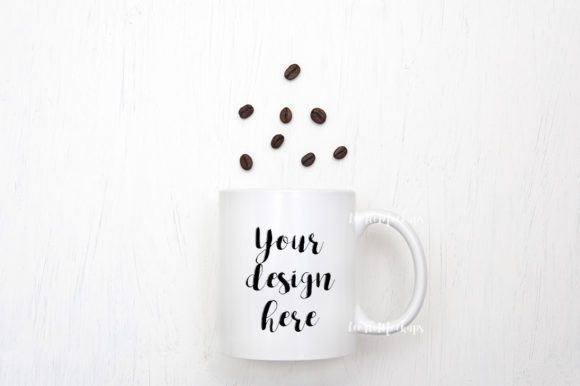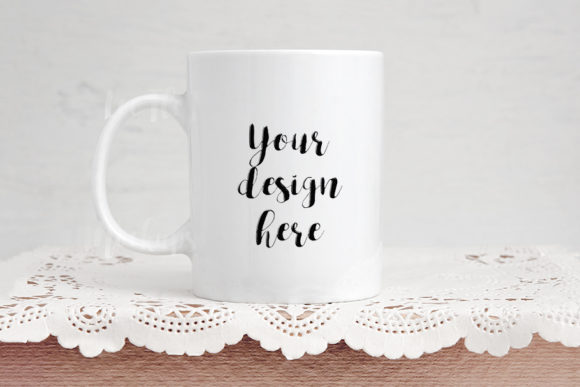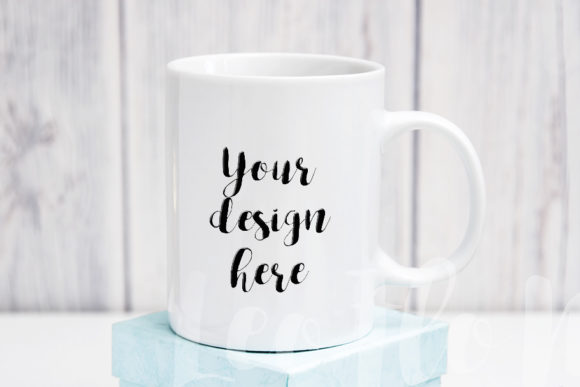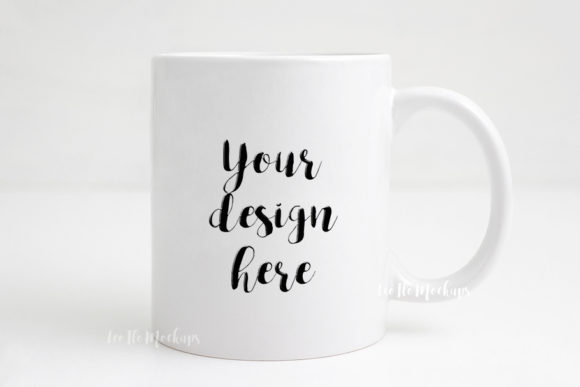
Sublimation Coffee Mug Gold Mockup for Festive Branding
When you need to show how a design looks on a real product, the right mockup makes all the difference. The Sublimation Coffee Mug Gold Mockup offers a polished, minimal festive scene that works well for seasonal campaigns, social media posts, and product previews. This digital file gives you a high-resolution photo of a gold-toned 11oz mug with a celebratory party feel, ready for you to drop in your own artwork or text.
If you sell printables, run an online shop, or manage social content for a brand, you know that how you present a design matters just as much as the design itself. This mockup helps you skip the staging, lighting, and photography headaches. Instead, you get a professional-looking image that lets your work shine in a realistic setting.
What Makes This Gold Mug Mockup Stand Out
The mockup comes as a real photo scene, not a 3D render. That means the lighting, shadows, and reflections look natural right out of the box. The gold decor and festive background give it a warm, celebratory mood that suits New Year’s promotions, Christmas campaigns, birthday sales, or any event where you want a touch of elegance without overdoing it.
You receive one high-resolution JPG at 3504 x 2336 pixels (300 dpi) and one PSD file with a smart object layer. The smart object is set to multiply blend mode, which means your design or text will blend naturally with the mug’s surface and lighting. This is especially useful if you want your artwork to look printed on the mug rather than pasted on top.
One important detail: the mug and background are on the same layer. You cannot move or reposition the cup within the scene. That is a common characteristic of photo-based mockups, and it is worth noting if you need full flexibility to adjust the product angle or backdrop. Here, the composition is fixed, so you are working within a carefully framed shot.
Social Media Content for Brands and Creators
If you run an Instagram shop or promote products on Pinterest, visuals need to stop the scroll. The gold mug mockup works well for quote graphics, motivational text, or minimalist illustrations. The festive backdrop adds context without distracting from your message. You can use it to announce a sale, share a seasonal greeting, or preview a new mug design you are selling.
Because the image is 3504 pixels wide, you have plenty of resolution to crop for different platforms. Use the full frame on your website, then crop square for Instagram or vertical for Pinterest stories. The 300 dpi ensures your text stays crisp even when resized.
Product Previews for E-Commerce and Print-on-Demand
Sellers on Etsy, Shopify, or Amazon can use this mockup to show customers exactly what they will receive. If you sell sublimation mug designs as digital files, this image helps buyers visualize the final product. For print-on-demand sellers, you can upload the mockup to your product listings to give shoppers a realistic sense of size, shape, and finish.
The gold accents work especially well for gifts, holiday items, or premium products. If you are targeting buyers looking for a “something special” mug, this scene communicates that without extra words.
Blog and Web Design Presentations
Bloggers writing about gift ideas, home decor, or party planning can use this mockup to illustrate posts. Instead of using a generic stock photo, you can add your own blog title or a short quote to make the image feel custom. The clean, minimal composition keeps the focus on your text, which is useful for featured images or inline visuals.
Marketers creating landing pages or email headers can also benefit. A festive mug image with your brand message builds a seasonal connection with your audience. Since the file is RGB and high resolution, it works well on screens without looking washed out or pixelated.
Educational and Creative Projects
Teachers, workshop leaders, or course creators can use the mockup to demonstrate design principles. Show students how a smart object works, explain multiply blend mode, or let them practice placing text on a product photo. Because the PSD is clean and simple, it is a good teaching tool for beginners learning Photoshop basics.
For hobbyists who enjoy making custom mugs for family or friends, this mockup offers a way to preview designs before ordering a physical product. You can experiment with colors, fonts, and layouts without wasting materials.
How to Get the Most from the Smart Object Workflow
The PSD file includes one smart object layer. You place your image or design inside that layer, save, and the mockup updates automatically. The layer is set to multiply, so your artwork adopts the mug’s shading and texture. This gives a printed-on look that is hard to achieve with simple overlay techniques.
If you do not have Photoshop, you can use PIXLR online editor (requires Photoshop CS4 or newer). The help file included with the download walks you through the steps. It is a good idea to read the instructions first, because the layers in the PSD are hidden by default. The guide explains how to reveal them and locate the smart object.
Here are a few tips to get clean results every time:
- Use designs with transparent backgrounds when possible, especially if your artwork has soft edges or irregular shapes.
- Keep your text or graphic centered on the mug face. Since the cup cannot be moved, positioning matters.
- Test your design at different brightness levels. Multiply mode darkens lighter colors, so you may need to adjust contrast beforehand.
- Save your working file as a separate PSD to preserve the original mockup untouched.
What to Consider Before Purchasing
This is a digital product. The download includes one JPG and one PSD file, plus a help file. There is no watermark or placeholder text on the files you receive. You can use the mockup for commercial projects, such as product listings, social media posts, and marketing materials.
Because the scene is a real photo, you cannot swap the background or reposition the mug. If you need a fully customizable 3D mockup where you can change the angle, lighting, or environment, this is not that solution. However, if you want a ready-to-use, beautiful scene that saves you time, this fits well.
The gold decor and party vibe may not suit every brand. For example, if your aesthetic is strictly minimalist or industrial, the festive elements could feel out of place. But for seasonal campaigns, gift guides, or celebratory messages, the tone is spot on.
Who Benefits Most from This Mockup
Freelancers and small business owners who handle their own visuals will appreciate the simplicity. You do not need advanced Photoshop skills to get a professional result. Entrepreneurs who sell physical or digital mug designs can use it repeatedly for different products by swapping the smart object content.
Marketers and social media managers juggling multiple campaigns can rely on this mockup for quick turnarounds. Pull up the PSD, update the text, export, and schedule your post. No photography studio, no props, no editing beyond the smart object.
Hobbyists and DIY creators will find it a fun way to see their ideas come to life. Even if you never sell a thing, the satisfaction of seeing your quote on a realistic gold mug is worth the few minutes it takes to set up.
Final Thoughts on the Sublimation Coffee Mug Gold Mockup
The Sublimation Coffee Mug Gold Mockup does one thing well: it lets you display your design or text in a beautiful, festive setting with minimal effort. The high resolution, natural lighting, and smart object workflow make it a practical tool for anyone who regularly creates product visuals or social content. Whether you are launching a New Year’s collection, building a holiday email campaign, or simply want to showcase a favorite quote, this mockup gives you a head start.
Remember to read the included instructions before opening the PSD. The help file clarifies the hidden layers and the multiply blend mode, so you avoid confusion. Once you understand the setup, you can reuse the file again and again, simply updating the smart object each time. That kind of efficiency matters when you are working on tight deadlines or juggling multiple projects.
If you value realistic product imagery and appreciate a ready-made scene that looks polished without extra effort, this mockup is worth adding to your toolkit. The gold tones and party decor strike a balance between festive and tasteful, giving you room to add your own creative touch without fighting the background.