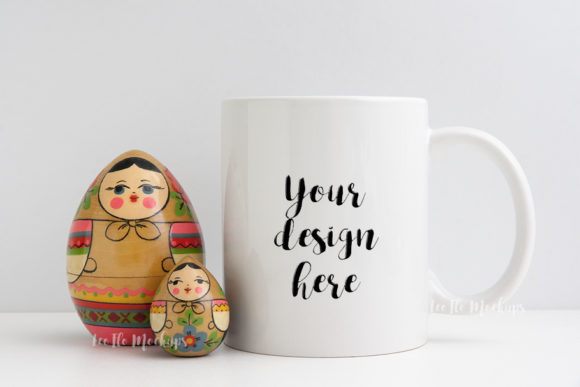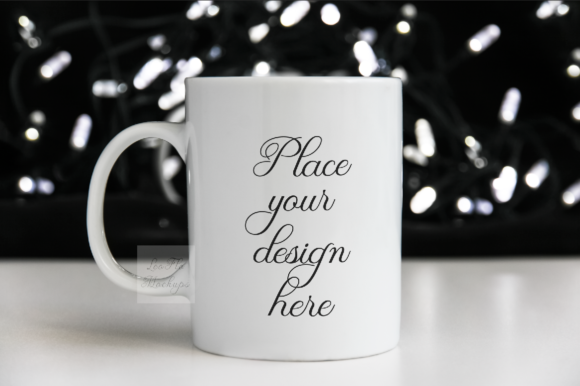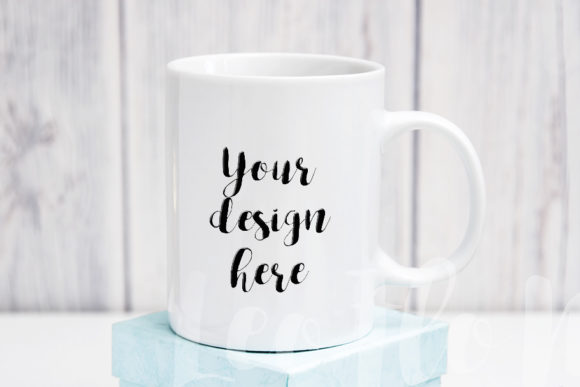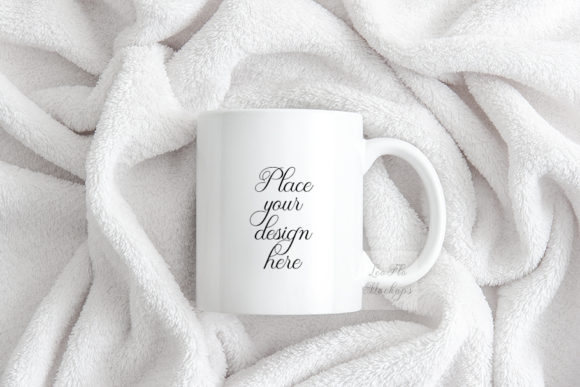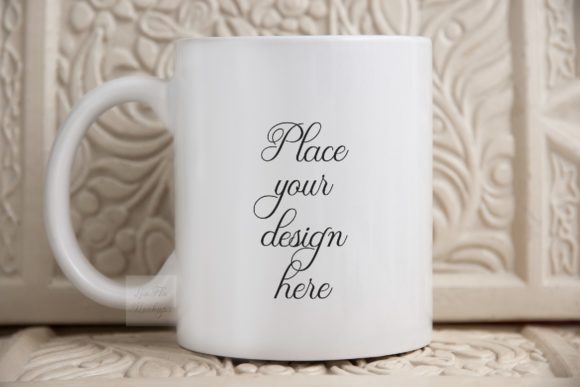
Elevating Visual Storytelling with the Beige Rustic Coffee Mug Mockup
In the crowded world of digital design, product presentation matters as much as the product itself. A design imagined in isolation rarely resonates the way it does when placed in a real-world context. This is where mockups bridge the gap between concept and reality, offering a glimpse into how a piece of artwork or branding will live and breathe in everyday settings. Among the many options available, the Beige Rustic Coffee Mug Mockup stands out as a versatile, aesthetically pleasing tool for creators, marketers, and small business owners. This soft, photorealistic 11oz sublimation mug mockup in beige is not only beautiful in its own right but also incredibly functional for showcasing custom designs, vintage illustrations, wedding motifs, and more across a variety of platforms.
Understanding the Appeal of a Rustic Aesthetic
Rustic design has maintained a steady presence in visual culture for years, largely because it evokes warmth, authenticity, and a sense of handcrafted care. The beige tone of this particular mockup is intentional. It serves as a neutral canvas that complements rather than competes with the design placed on it. Unlike stark white or glossy black mugs, a rustic beige surface softens the overall look, making it ideal for organic, earthy, or vintage-inspired graphics. For a photographer or a web designer, this means the mockup doesn't just display a logo or text; it tells a story about comfort, tradition, and quality.
When you use the Beige Rustic Coffee Mug Mockup, you are leveraging a visual cue that speaks to audiences who value simplicity and craftsmanship. This is especially powerful for brands in the home goods, coffee, tea, wellness, and artisanal food spaces. The mug itself becomes a prop that enhances the brand message, rather than a mere vessel for the design.
Key Characteristics of This Digital Mockup
Before integrating any mockup into your workflow, it helps to understand its technical and visual attributes. This particular file comes as a high-resolution 300 dpi JPG image at 3504 x 2336 pixels in RGB color space, along with a PSD file featuring one smart layer. The smart layer functionality is crucial because it allows you to place your text or design directly onto the mug via Photoshop CS4 and above, or even through the PIXLR online editor if you do not have access to Adobe software.
One important detail to note is that the cup and background are on the same layer. This is a real photo scene, meaning the objects cannot be moved or rearranged. The mockup is designed to be simple, with the smart object layer set to multiply. This blending mode works exceptionally well for designs that benefit from a bit of transparency or texture showing through, such as hand-drawn lettering, watercolor effects, or distressed vintage graphics. The multiply setting allows the mug's natural beige texture and subtle lighting to interact with your design, creating a more integrated and realistic final image.
Additionally, the download includes a help file with easy instructions. It is strongly recommended to read this file before opening the PSD, as layers within the file are hidden by default. This small step can save time and prevent confusion, especially for those who may be newer to working with smart objects.
Practical Workflow: From Design to Display
Working with this mockup is straightforward once you understand the layer structure. Begin by opening the PSD file in Photoshop or a compatible editor like PIXLR. Locate the smart object layer—usually clearly labeled in the layers panel. Double-click the thumbnail to open the smart object in a new window. Here, you can paste, draw, or type your design. Once you save and close the smart object, the mockup updates automatically to reflect your changes.
Because the smart object uses a multiply blending mode, lighter elements in your design will allow the mug's texture to show through, while darker areas will appear more solid. This is a desirable effect for many rustic and vintage styles, but it is worth testing your design against a white background first to see how the multiply setting alters the appearance. If you prefer a more opaque result, you can duplicate the smart object layer and adjust the opacity or blending mode to suit your needs.
For users who do not have Photoshop, the PIXLR online editor is a free and capable alternative. The process is essentially the same: upload the PSD, locate the smart object, edit, and save. This accessibility makes the Beige Rustic Coffee Mug Mockup a viable option for hobbyists, students, and small business owners who may not have a full creative suite subscription.
Real-World Applications Across Industries
The uses for this mockup extend well beyond a simple product preview. Consider a wedding calligrapher who wants to showcase a custom mug design for a bridal party gift. Placing the calligraphy on this rustic beige mug immediately communicates a soft, romantic tone that aligns with wedding aesthetics. Similarly, a vintage illustration artist can use the mockup to display their work in a context that feels natural and lived-in, rather than flat and detached.
For e-commerce sellers, especially those on platforms like Etsy or Amazon Handmade, this mockup can serve as a listing image that conveys the look and feel of the actual product. Because the mug is photographed in a real setting with natural lighting, potential buyers can better imagine the item in their own homes. This reduces uncertainty and can lead to higher conversion rates. Bloggers and Instagram content creators also benefit from the mockup's aesthetic appeal. A styled flat lay or a cozy morning coffee scene featuring a custom mug can elevate a social media feed and reinforce a consistent brand identity.
Web designers and presentation professionals can use the mockup as a visual aid in mood boards, client proposals, or portfolio pieces. Demonstrating how a logo or pattern looks on a physical object adds a layer of professionalism that a digital render alone cannot achieve. The beige rustic background pairs well with neutral color palettes, wood textures, linen fabrics, and greenery, making it easy to incorporate into a wide range of visual compositions.
Advantages of Using a High-Resolution 300 DPI File
Resolution is a critical factor when creating visuals for print or digital display. A 300 DPI file at 3504 x 2336 pixels provides ample detail for sharp, clear images. Whether you are using the mockup for a website hero image, a social media post, or a printed catalog, the high resolution ensures that your design looks crisp and professional. The RGB color space is standard for digital screens, so colors will appear vibrant and true when viewed on monitors, tablets, and smartphones.
For creators who plan to use the mockup in multiple contexts, having a single high-quality source file streamlines the workflow. You can resize, crop, or export the image as needed without losing quality. This is particularly useful when creating a series of product shots for an online store, where consistency across images builds trust with customers.
Creative Considerations and Best Practices
When designing for this mockup, keep a few best practices in mind. Because the mug is rounded, text or graphics should be kept within the visible boundaries of the smart object to avoid distortion or awkward cuts. Centering the design or using a balanced composition works well. The multiply blending mode can darken colors slightly, so you may want to brighten your design by a small margin during the editing process to compensate.
It is also worth considering how your design interacts with the mug's existing texture and lighting. A minimalist logo with clean lines will stand out beautifully against the soft beige background. A detailed pattern or watercolor wash may blend into the mug in a way that feels organic and artistic. Experimentation is encouraged. You can always undo changes or adjust the blending mode to achieve the desired effect.
Another tip is to use the included JPG file as a quick preview tool. If you want to test a design without opening the PSD, you can place your artwork over the JPG in any image editor and lower the opacity to simulate the final look. This is not a replacement for the smart object workflow, but it can be useful for rapid iteration.
Understanding the Licensing and Usage Boundaries
As with any digital asset, it is important to understand what you can and cannot do with this mockup. The file is intended for displaying your own designs or text on social media, blogs, online shops, web design presentations, and similar promotional contexts. However, the mockup itself—including the photograph of the mug and the background—is not to be sold, shared, or claimed as your own work. This means you can use the image to sell your own products or services, but you cannot resell the mockup file or distribute it as a standalone asset.
This distinction is common in the mockup industry and protects the original photographer's work while still giving users ample creative freedom. For creators who value ethical sourcing and respect intellectual property, adhering to these terms is straightforward. The physical mug and artwork depicted in the mockup are not for sale; what you are purchasing is the digital template that enables you to present your own designs in a polished, realistic setting.
Who Benefits Most from This Mockup
The broad audience for this tool includes professionals like graphic designers and marketing specialists who need high-quality visuals for client work. Small business owners and entrepreneurs, particularly those in the custom gift or home decor space, can use the mockup to build a cohesive brand presence without investing in expensive product photography. Educators and researchers may find the mockup useful for creating visual aids or instructional materials that require realistic product imagery. Hobbyists and DIY creators, such as those practicing sublimation printing or calligraphy, can showcase their projects in a flattering light that highlights their craftsmanship.
Even bloggers and content creators who focus on lifestyle topics can integrate the mockup into their visual storytelling. A post about morning routines, sustainable living, or homemade gifts becomes more engaging when accompanied by a thoughtfully styled image. The beige rustic mug fits seamlessly into cozy, minimalist, or farmhouse-inspired aesthetics, making it a versatile addition to any visual library.
Final Observations on Working with Smart Object Mockups
Mockups are most effective when they enhance rather than overshadow the design. The Beige Rustic Coffee Mug Mockup accomplishes this through its neutral tones, realistic lighting, and simple setup. The smart object workflow, while requiring a bit of initial learning, becomes intuitive with practice. The ability to update a design in seconds and see it rendered in a photorealistic scene saves time and elevates the quality of presentations across platforms.
For those who create multiple variations of a design—such as color options or seasonal themes—the mockup can be duplicated and edited repeatedly without degrading the file. This efficiency is valuable for anyone managing an online store or a social media calendar. The included instruction file ensures that even first-time users can navigate the process with confidence.
Ultimately, this mockup is more than a simple display tool. It is a bridge between digital creation and physical experience. By placing your work in a context that feels warm, real, and inviting, you invite your audience to imagine your design as part of their everyday life. Whether you are selling a product, building a brand, or simply sharing your art, the right mockup makes all the difference in how your work is perceived and remembered.